

This post is not sponsored, but affiliate links are used for your convenience. :)
Showing posts with label cricut question series. Show all posts
Showing posts with label cricut question series. Show all posts
Felt Team Pennants {tutorial}

Answers to Your Most Common Cricut Questions & a Giveaway
This post is brought to you by Cricut. Affiliate links are used for your convenience.
Hello! It's me! How was your weekend? Ours was cold! haha! We finally had to turn on the heater! Brrrrr! As you might of seen over the past 6 months or so, I’ve been answering some of your most common Cricut questions. I thought it would be good to round them all up into one post. Annnnnnnd I have a fun giveaway for you at the bottom of this post! Eek! You’ll want to stick around for that! Let’s get started. :)


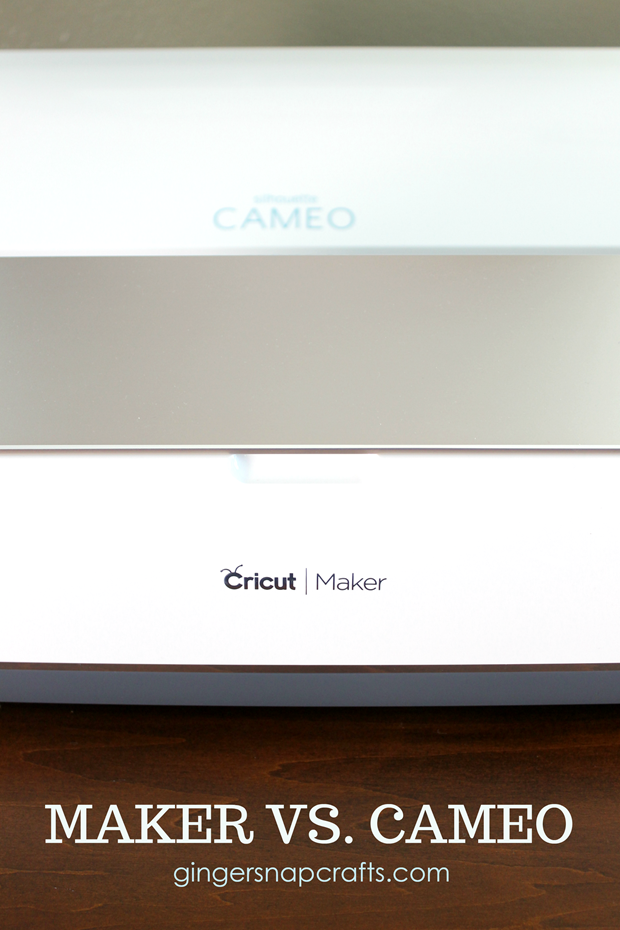
Cricut Maker vs. Silhouette Cameo 3
This post is brought to you by Cricut. Affiliate links are used for your convenience. All opinions are mine. :)
I also hope you’ve been following along with my Cricut Question Series. :) If not, you can find question 1 here & question 2 here & question 3 here & question 4 here & question 5 here & question 6 here & question 7 here & question 8 here & question 9 here & question 10 here & question 11 here. Whew! ha! Today we are going to tackle question #12. :)
Just a little history on my cutting machine obsession. Yes, it’s an obsession for me! haha! ;) I firmly believe with the right tools you can do & create anything! I’m not the most creative or the most crafty person, but with my Silhouette and most recently, with my Cricut, I have created & can create amazing things. Annnnnd I know you can, too! Deciding which machine to purchase is a huge decision. These machines aren’t cheap! It really depends on what you what to make. Do you want to cut mostly vinyl? Fabric? Or are you a paper crafter? Taking all of this into account will help you decide which machine you feel would fit your needs the best. Today I am going to share my completely honest opinions are two amazing machines the Silhouette Cameo 3 and the brand new, Cricut Maker. Yes, they are BOTH amazing with their own pros and cons.
As you might of guessed, our final question is: How is the Cricut different from other cutting machines?

What is the Cricut Machine?
This post is brought to you by Cricut. Affiliate links are used for your convenience.
Good morning! How was your weekend? I hope it was fabulous! :) I also hope you’ve been following along with my Cricut Question Series. :) If not, you can find question 1 here & question 2 here & question 3 here & question 4 here & question 5 here & question 6 here & question 7 here & question 8 here & question 9 here & question 10 here. Now we are up to question 11 ~ What is the Cricut Machine? I feel like I probably should of started with this question first, instead of almost at the very end of the series! Oops! ;) So, today I am going to recap all of my favorite Cricut machines that I’ve talked about in my previous posts. Let’s get started! :)
Hmmmmmmm….the questions we ask our crafty selves. :) Which Cricut Machine do we *need*?

Meet the Cricut BrightPad™
This post is brought to you by Cricut. Affiliate links are used for your convenience.
Good morning! How was your Labor Day? Fantastic, I hope. :) I think we labored a little bit too much! ha! We are busy working on a huge project as a family. I’ll share more details soon. A few weeks ago I was able to attend the Cricut Mountain Make-a-thon in Salt Lake City. It was nice to get away & relax & mingle with some amazing bloggers & friends. While I was there, Cricut announced 3 brand new products. Eek! I’ll be telling you all about each of them in the coming weeks. By the way, my Cricut Maker just arrived a few weeks ago! I can’t wait to start creating with it soon. Buuuut first I’d love to introduce you to the brand new Cricut BrightPad™. Annnd I’ll be answering another question in my Cricut Question Series! :)


How do the Cricut® machines work?
This post is brought to you by Cricut. Affiliate links are included for your convenience.
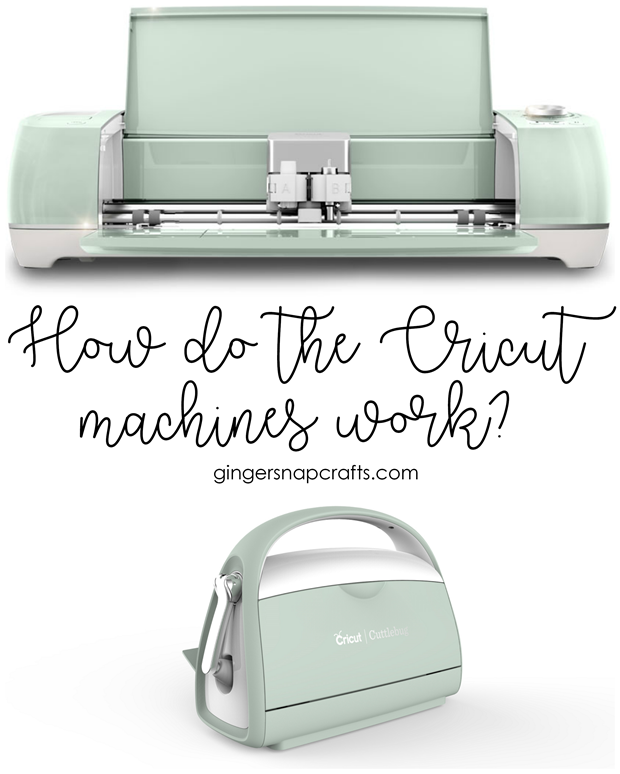
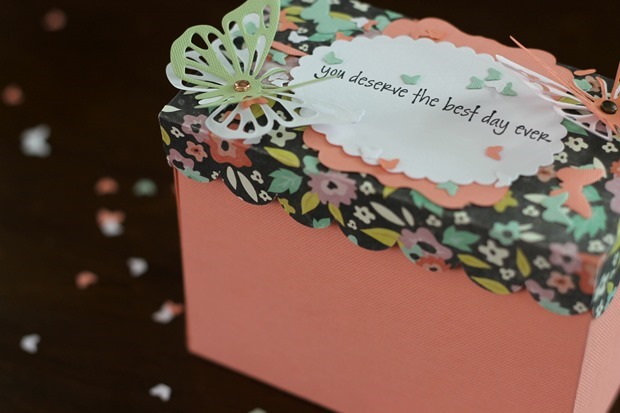
Hello there! Today I’m excited to continue with my Cricut Question Series. You can find question 1 here & question 2 here & question 3 here & question 4 here & question 5 here & question 6 here & question 7 here. Today we are going to tackle question 8 ~ How do the Cricut machines work? Yes, I said machines! ;) In addition to the popular Cricut Explore Air™ machines, Cricut also has the adorable Cricut Cuttlebug™. Today I’m excited to show you how I used both of these machines to make this adorable butterfly birthday box. Let’s get started!
Will I be required to use cartridges with the Cricut®?
This post is brought to you by Cricut®. Affiliate links are used for your convenience.
Good morning! I hope you’ve had a fabulous week & that you have been following along with my Cricut® question series. You can see question 1 here & question 2 here & question 3 here & question 4 here & question 5 here & question 6 here. Whew! That was a lot of “ands”. ha! Annnnnd now we have moved on to question 7 ~ Will I be required to use cartridges with the Cricut?
Truthfully, this is what held me back (for years!!) from purchasing a Cricut machine. I didn’t want to buy cartridges! I also wanted to cut my own fonts. Annnnnd thankfully both of those options are available with the Cricut Explore machines that are available right now from Cricut. Yay! So the answer to the question is a big NO! You do not need cartridges to use these machines. Yay! Annnnd don’t worry! If you do have Cricut cartridges they can still be used on these machines. So it’s a win win for everyone. Yay!
Enjoy these projects….that were made using my Cricut Explore Air™ & NOT made with any cartridges. ;) Click on the image for the full tutorial.

DIY Photo Key Fob with Cricut®
This DIY photo key fob tutorial is brought to you by Cricut. #CricutMade

How easy is it to upload my own images with Cricut®?
Thank you to Cricut® for sponsoring this post series. Affiliate links are used for your convenience. :)

I hope you’ve been following along with my Cricut® question series. You can see question 1 here & question 2 here and question 3 here. Annnnnd now we move on to question 4 (which ties in nicely with question 3) ~ How easy is it to upload my own images with the Cricut? Fairly easy! It took me a little while to figure it out, but once I did I wanted to share what I learned with you. So here we go!
As most of you know, I’ve had a Silhouette for years. Annnnd I have a very, very large Silhouette library to go along with that! But never fear you can use most of these images with your Cricut. Let me show you how! First, open up your cut file in Silhouette Studio.

